
Description
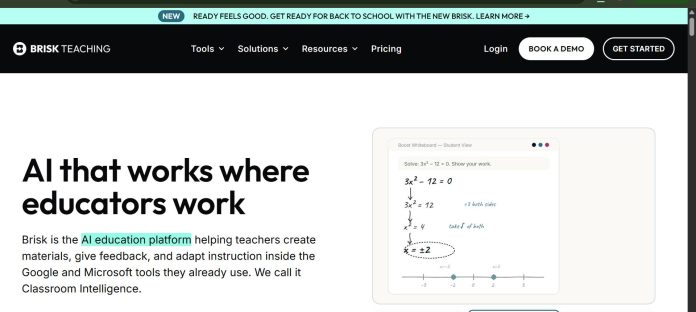
Brisk Teaching is a free Chrome and Edge extension that adds AI tools directly inside Google Docs, Slides, Classroom, Word, and Canvas — no separate app or copy-pasting required. Its standout feature, Inspect Writing, replays a student’s full drafting history to check that an essay was actually written by them, not just checked for AI phrasing after the fact.
Key Features
- Inline feedback: Comments generated directly inside a student’s Google Doc.
- Inspect Writing: Replays a student’s drafting history to check authenticity.
- Reading-level adjustment: Levels or translates any text for differentiation.
- One-click quiz and lesson generation: Turns an article or video into a quiz or lesson.
- Runs where teachers already work: Lives inside Docs, Slides, Classroom, and Canvas.
- FERPA and COPPA compliant.
How It Works
A teacher installs the Chrome or Edge extension once, then opens Brisk’s side panel inside a Google Doc, Slide deck, or any webpage. Reading a student essay, the teacher generates targeted inline feedback or replays Inspect Writing to see the actual drafting process. On any article or video, the same panel can generate a quiz, lesson plan, or presentation in a couple of clicks, without leaving the page.
Technical Architecture & Overview
- Core Engine: AI layered directly onto existing documents via a browser extension, rather than a separate app.
- Deployment: Chrome and Edge extension, working inside Google Workspace and Microsoft 365.
- API Surface: None public — end-user classroom extension.
- Known Limits: Paid Premium and Intelligence tiers are quote-only, with no public per-user dollar figure.
Pros & Cons
| Pros | Cons |
|---|---|
| Free Educator plan includes 20+ tools with unlimited usage on standard models. | Paid Premium and Intelligence tiers require contacting sales for a quote. |
| Inspect Writing is a genuinely distinctive way to verify a student’s own writing process. | Built around Google Workspace and Microsoft 365 — less useful outside those ecosystems. |
| Works inside tools teachers already use, with no new site to learn. | As a browser extension, it depends on Chrome or Edge rather than working as a standalone app. |
| FERPA and COPPA compliant. | Free-tier limits have tightened over time as the product has matured. |
Platform Availability
Chrome | Edge
Best For
Teachers who want AI feedback and lesson tools inside Google Docs and Slides without switching apps | Schools verifying that student writing was actually written by the student
Similar Tools in This Directory
Also worth comparing: MagicSchool AI, all-in-one AI platform for K-12 teachers | Diffit, AI reading-level differentiation for teachers | NotebookLM, source-grounded AI research and study tool | Curipod, live interactive lessons with AI feedback
Visit Official Website
Frequently Asked Questions
Is Brisk Teaching free?
Yes. The Educator plan is free with 20+ tools and unlimited usage on standard models.
What is Inspect Writing?
A feature that replays a student’s full drafting history in a Google Doc, to check the writing process rather than only the finished text.
Does Brisk Teaching work outside Google Docs?
Yes. It also works inside Slides, Classroom, Microsoft Word, Canvas, and general webpages.
How much do the paid tiers cost?
Premium and Intelligence are quote-only, priced per school or district.
Is Brisk Teaching compliant with student data privacy laws?
Yes. It’s FERPA and COPPA compliant.





