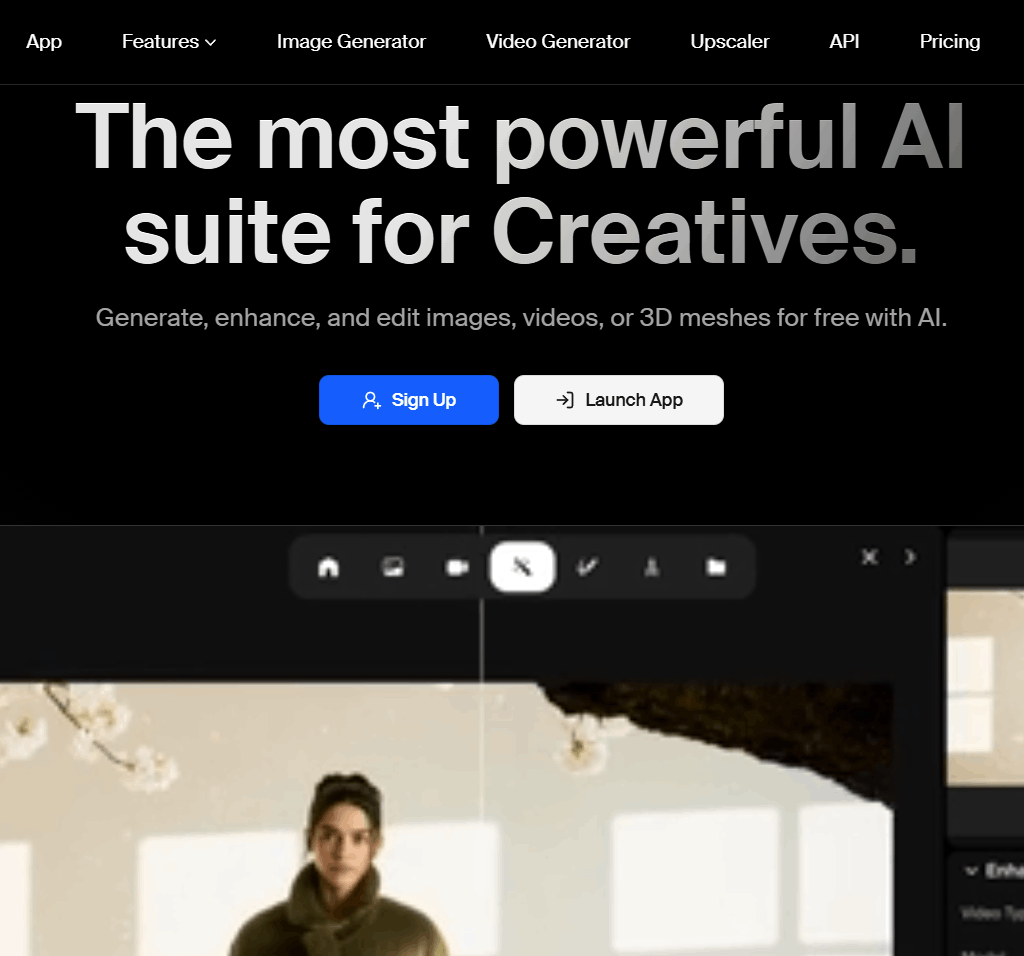
Krea AI is a creative suite that enables users to generate, enhance, and edit high-quality images, videos, and 3D assets with AI directly in a browser. It offers text-to-image, real-time image generation, text-to-video, 3D object creation, image upscaling, generative editing, and LoRA fine-tuning tools. Users can control outputs through multiple models, styles, and advanced workflows. Krea supports free and paid subscriptions, with plans offering different compute units, concurrent jobs, and commercial licenses. The interface emphasizes simplicity with minimal tutorials.
Best For:
Digital creators, designers, video producers, and teams who need integrated AI tools for visual content creation.
Unique Features:
AI text-to-image generation with 1000+ styles
Real-time image generation and enhancement
AI video generation and upscaling
LoRA fine-tuning for custom models
Platform Availability:
Web-based platform with browser access.
Pricing:
Free tier and paid subscription plans available.
Starting Price:
Free plan available; Individual Basic from $9/month; Business from $50/month; Enterprise custom plans.
Frequently Asked Questions
Is Krea AI free to use?
Yes. Krea AI offers a free plan alongside paid subscriptions; Individual Basic starts at $9/month, with Business plans from $50/month and custom Enterprise pricing.
What can you create with Krea AI?
Krea AI supports text-to-image generation, real-time image generation and enhancement, AI video generation, image upscaling, 3D object creation, and generative editing, all from one browser-based interface.
Does Krea AI support custom model training?
Yes. Krea AI includes LoRA fine-tuning tools that let users train custom models for consistent, personalized outputs.
Is Krea AI browser-based or does it require installation?
Krea AI runs entirely in the browser with no software installation required, and is designed with a simple interface that needs minimal tutorials.